Jupyter Notebooks
Jupyter Notebooks
Go to: https://cebu.selfip.net
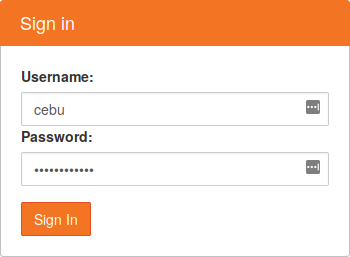
Sign in with the username and password you're given:
Jupyter Notebooks
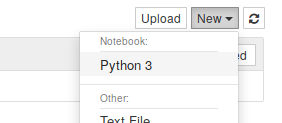
Create a new Python 3 notebook:
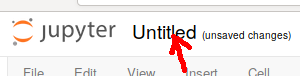
And click to rename it to your name:
Jupyter Notebooks
Each cell can contain some Python code. Press shift-Enter to run the cell.
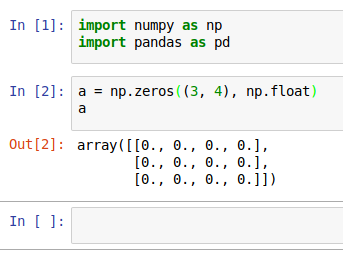
If the last thing is an expression, the result will be displayed.
Jupyter Notebooks
Jupyter Notebooks are a great way to interact and experiment with Python code.
If you have used Matlab, Maple, R-Studio, or most stats packages, then it's the same concept.
Jupyter Notebooks
Be careful of executing things out of order: what the notebook looks like and what happened might not match.
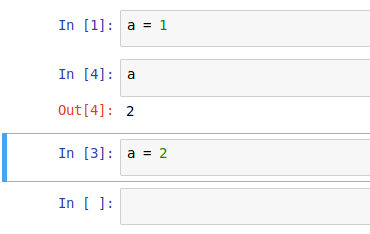
You can always click Kernel
→ Restart & Run All
to reset things.
Jupyter Notebooks
The environment for today has all of the packages we need. In case you want to follow along later, I did this:
apt install python3-pip
pip3 install notebook scipy matplotlib pandas statsmodels \
    scikit-learn scikit-image numexpr